
Release updates
240607 QR Codes for Rapid Navigation
With the latest SmartLab release update, QR codes make it easier than ever to navigate participants through virtual experiences.
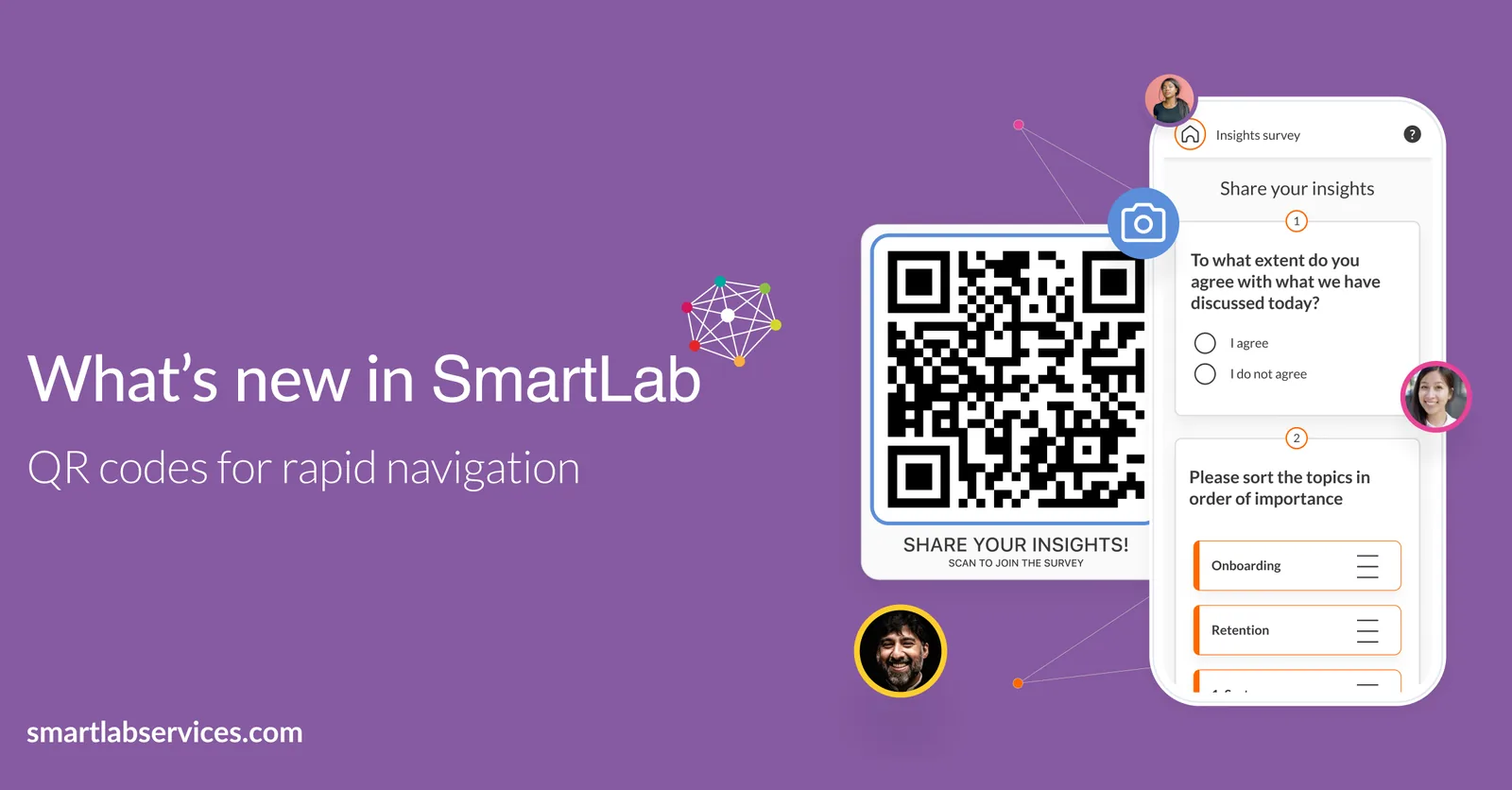
Imagine…
You’re planning an event and you need a seamless way to guide participants. With SmartLab’s new QR code feature, you can place QR codes at the entrance, allowing attendees to scan and instantly access the event agenda on the SmartLab Event App. This ensures they know exactly where to go and what sessions to attend, eliminating confusion and enhancing their overall experience.
You’re facilitating a global workshop and you need a way to provide instant access to materials. Display a QR code on the screen, which participants can scan to immediately access workshop materials, presentations, and notes on the SmartLab Event App. This removes the hassle of searching or downloading files, ensuring that all resources are readily available at their fingertips.
You’re organizing a conference, and you need a way to boost engagement and interaction. Set up interactive stations or booths with QR codes. Participants can scan these codes to access detailed information, watch videos, or even participate in polls or surveys directly through the SmartLab Event App. This keeps them engaged and provides you with valuable feedback.
You’re hosting a large seminar and need to encourage real-time participation. By integrating QR codes into your presentation slides, attendees can scan to join Q&A sessions, participate in live polls, or collaborate on shared documents. This fosters a dynamic and interactive learning environment, ensuring everyone stays involved and connected.
SmartLab's QR code feature super charges event management by offering effortless navigation, instant access to resources, and enhanced engagement. This tool simplifies processes, reduces administrative burden, and provides a seamless, interactive experience.
Are you ready to harness the power of SmartLab and transform your event experience? Contact the SmartLab team for more information or to schedule a demo.